

Documentation Index
Fetch the complete documentation index at: https://basedash.com/docs/llms.txt
Use this file to discover all available pages before exploring further.
Organization and member settings are easier to manage
Organization and member settings now live in dedicated settings pages instead of being tucked into the command menu. That makes admin tasks easier to find, easier to revisit, and more in line with the rest of the product instead of feeling like secondary actions. For teams that manage access often, this should feel like a meaningful cleanup. Settings have a clearer home, member administration is less buried, and common account-management workflows are easier to understand at a glance.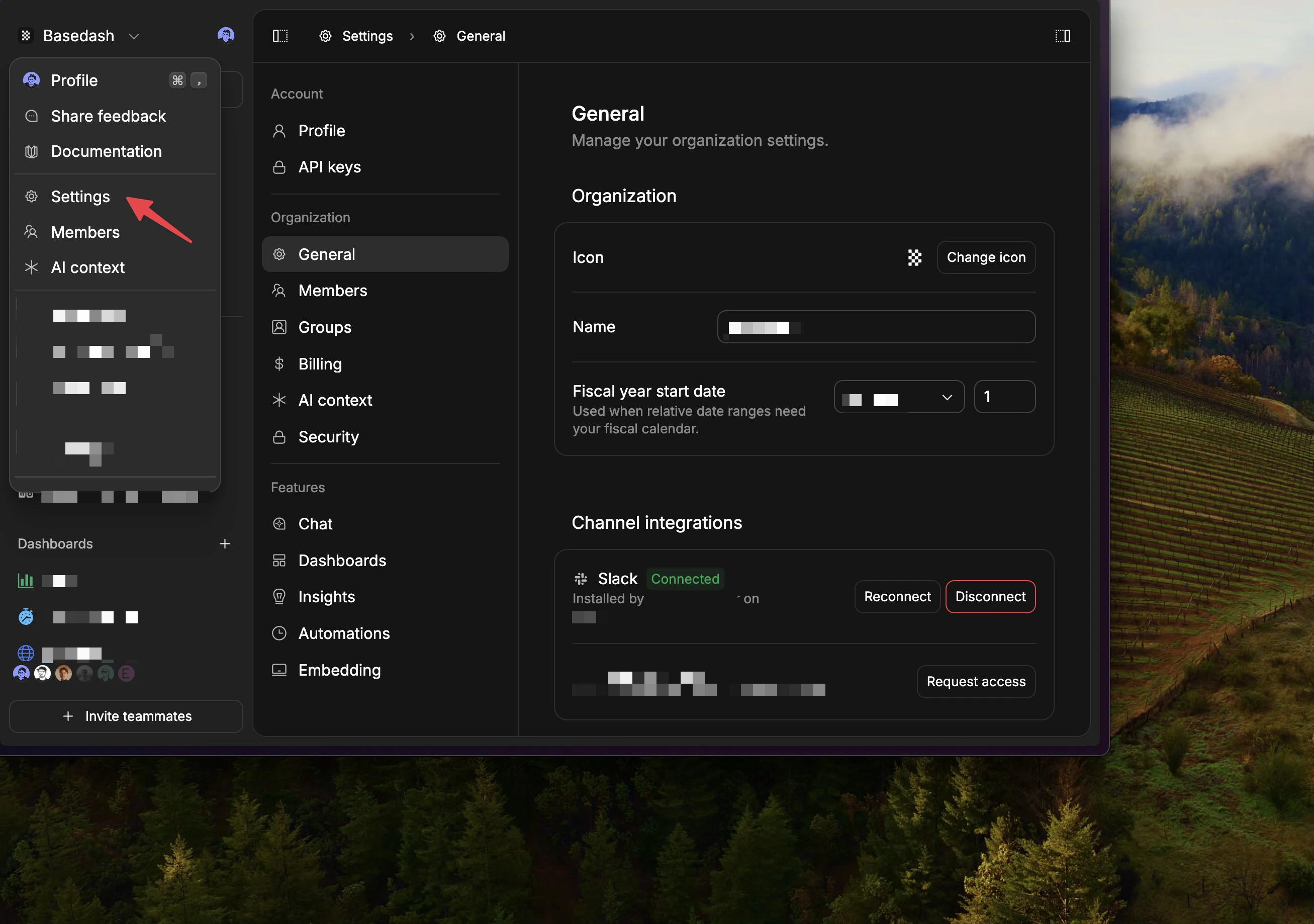
Large data sources are much easier to browse
The Data page is now dramatically more usable on very large connections. Instead of trying to load everything at once, schema and table browsing is much more incremental, which makes big databases feel far less likely to freeze or bog down the page. Search and navigation are more intentional too. Browsing through lots of schemas should feel smoother, expanding sections is lighter-weight, and the command menu follows the same direction so exploring a large connection feels faster instead of overwhelming.New dashboards can start with the right default access
Admins can now choose the default access pattern for newly created dashboards at the organization level. New dashboards can default to being available to everyone, only the creator, or the creator’s groups, with control over whether that shared access starts at manage, edit, or view. This is especially useful for larger teams and embedded setups where “everyone can manage” is too open as a default. It gives teams a better starting point for governance without adding extra sharing cleanup every time a dashboard is created.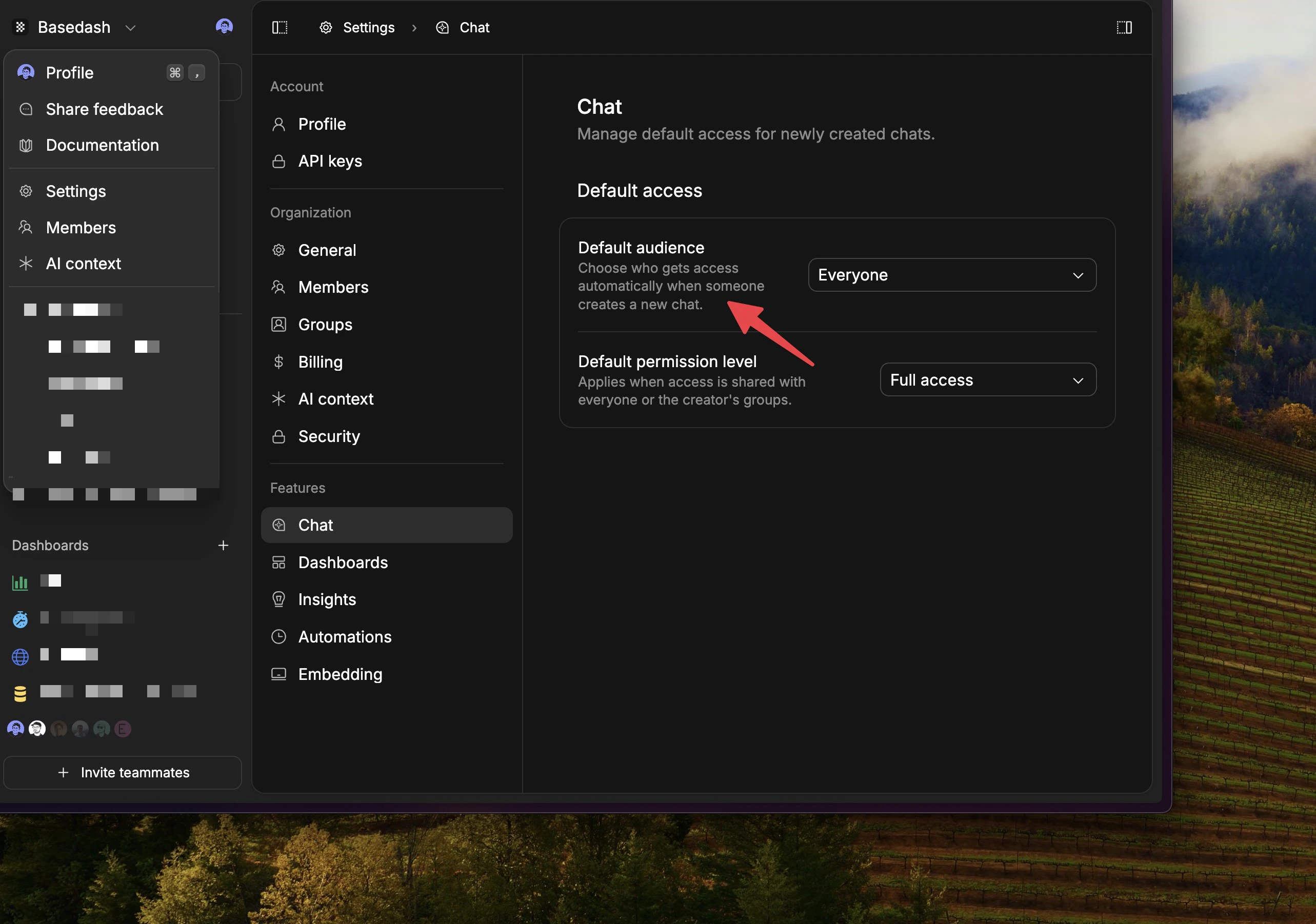
Automations can now be turned on and off cleanly
Automations now have a real active switch, so you can pause an automation without deleting it or rebuilding it later. When an automation is inactive, it stops scheduling runs, stops reacting to data-change triggers, and stops sending notifications. That makes it much easier to temporarily pause an automation while you are testing, investigating, or waiting on upstream data. It also prevents half-disabled workflows where something looks paused in the UI but still keeps doing work in the background.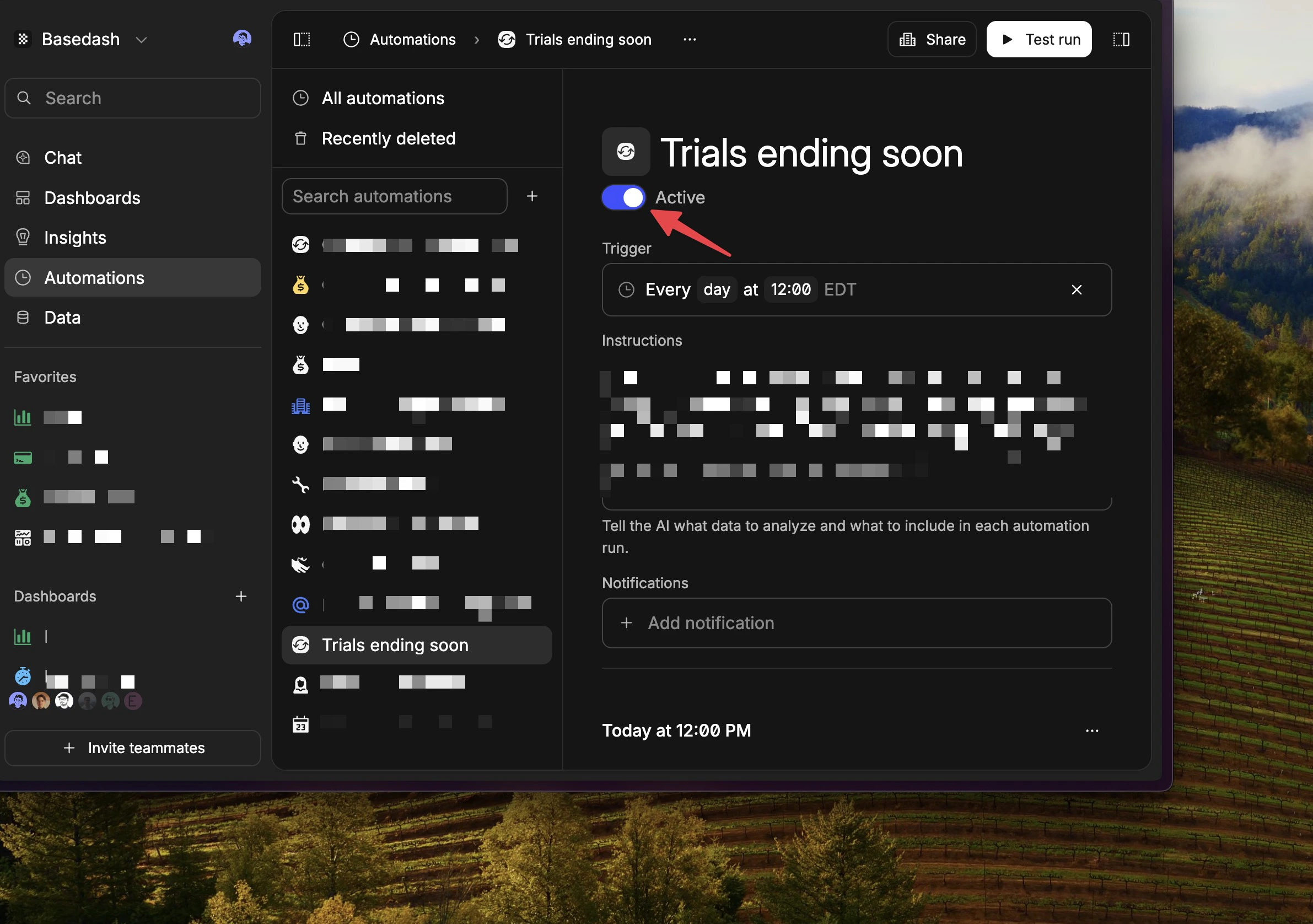
Fixes and improvements
- Simplified the charts page filters and included charts created from chat in the charts list.
- Improved time-series x-axis labels when SQL does not explicitly provide interval metadata.
- Fixed pie chart legend values so percentages and currency use the right formatting.
- Improved the SQL editor actions bar so it no longer obscures the bottom of the editor.
- Improved CSV exports for Excel on Windows so UTF-8 downloads open more cleanly.