

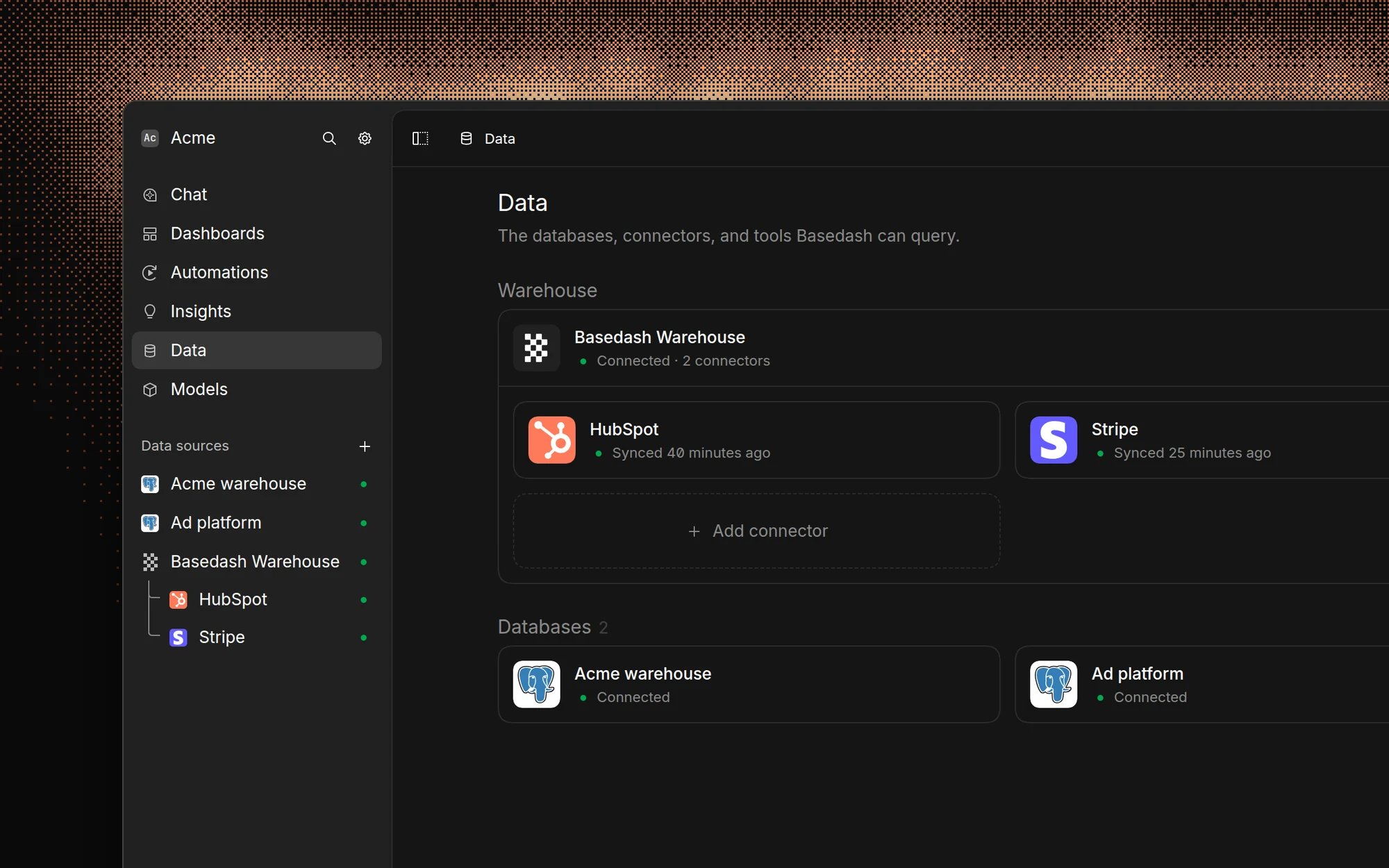
Add a data source
Only admins can add data sources.- Open the Data page and click Add data source.
- Search for or browse to your database, warehouse, SaaS tool, or MCP server.
- Follow the steps for that source. Each source has its own page in these docs.
Basedash Warehouse
The simplest way to get started is to use Basedash Warehouse, our fully managed warehouse. With this option, you can:- Skip the complex setup of managing your own data warehouse
- Connect data from 750+ SaaS sources through our Fivetran-powered connectors
- Let us handle all infrastructure, backups, and maintenance
- Get started immediately with no technical expertise required
Connect your own warehouse
If you already have your own infrastructure, you can connect it directly to Basedash. We support these data warehouses: You can also connect these databases directly to Basedash: Whether you connect a warehouse or a database, Basedash queries it directly and uses that connection as part of your workspace. Some databases, such as MongoDB, DynamoDB, and MariaDB, are available as Fivetran connectors instead. These sync into Basedash Warehouse rather than being queried directly.Connect securely
- Allowlist Basedash. Basedash connects from
24.199.77.73. Add this IP to your database or firewall allowlist. - Use an SSH tunnel for private networks. Turn on Connect using SSH when you add the data source and enter your SSH host, username, and private key or password.
- Use read-only credentials. Basedash works with read-only database users. If the user can write, AI can propose changes on some databases, but only with approval. See Accuracy and trust.
- Credentials are encrypted. Connections to Basedash use TLS 1.2 or higher, and credentials and SSH keys are encrypted with AES-256 before they’re stored.
MCP connectors
Basedash can also connect to external MCP servers through MCP connectors. This is useful when you want AI in Basedash to use tools outside of your database, such as internal APIs, support systems, or other services that expose MCP tools. MCP connectors are managed from the same Data sources area and support synced tools, OAuth when required, and access controls.Self-hosting for complete data sovereignty
For organizations that need complete control over their data infrastructure, we offer self-hosting as an option. Self-hosted deployments allow you to:- Deploy Basedash on your own infrastructure
- Maintain complete control over data storage and location
- Meet specific compliance and regulatory requirements
- Operate in air-gapped or highly secure environments