Introducing the Basedash semantic layer
Max Musing  Max MusingFounder and CEO of Basedash · June 4, 2026
Max Musing Max MusingFounder and CEO of Basedash · June 4, 2026
Today we’re launching the Basedash semantic layer — a way to define trusted business metrics in reusable SQL and make them available everywhere AI works in Basedash.
The core feature is called definitions. A definition is a reusable SQL query attached to a data source, with a name, reference name, description, and version history.
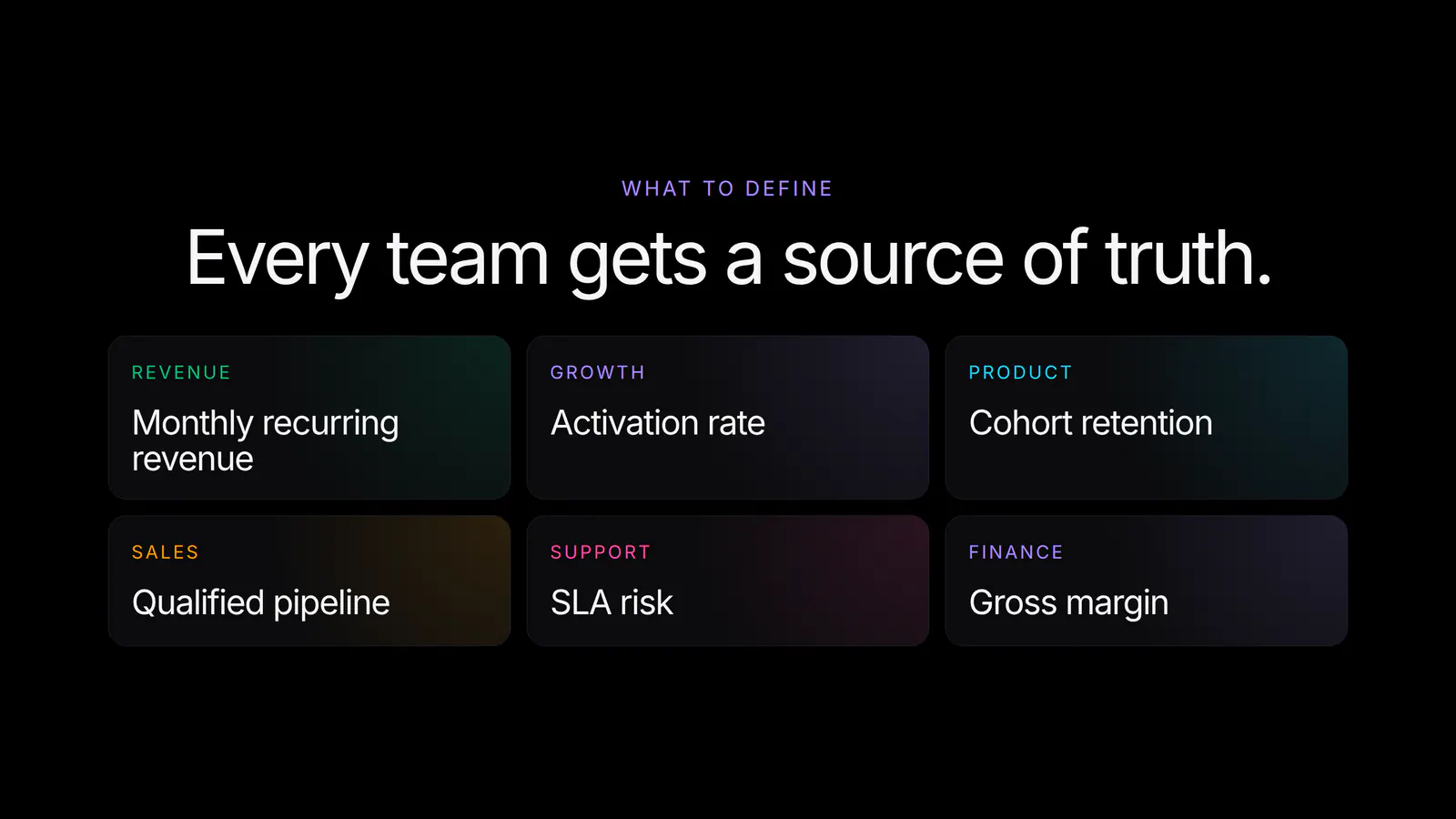
Write the SQL for a metric like MRR, activation rate, cohort retention, or qualified pipeline once. Basedash can then reference that exact definition when it creates charts, answers chat questions, builds dashboards, generates insights, or runs automations.
Define your metrics once. Use them everywhere.
AI is excellent at exploring data, but teams still need deterministic calculations for the metrics they run the business on. If “activation rate” means completed onboarding within seven days, every chart, dashboard, and report should use that same calculation.
Before the Basedash semantic layer, the usual options were copy-pasting SQL, writing prose instructions for the AI, or relying on an external semantic layer that lived outside the product where the analysis happened. Those all work until the metric changes, the SQL drifts, or someone asks the AI a question from a different workflow.
The Basedash semantic layer brings that modeling layer into the same product where your team asks questions, builds dashboards, and automates reports. Your warehouse, synced data, reusable SQL models, AI analyst, BI dashboards, reports, and automations can now live in one place.
A definition is simple:
Once saved, reference it in SQL with Liquid syntax:
WITH mrr AS (
  {{ definition("mrr") }}
)

SELECT month, SUM(amount) AS total_mrr
FROM mrr
GROUP BY month
ORDER BY month;
Basedash expands the definition inline when the query runs. They are scoped to a data source, so the SQL always runs against the same warehouse or database it was designed for.
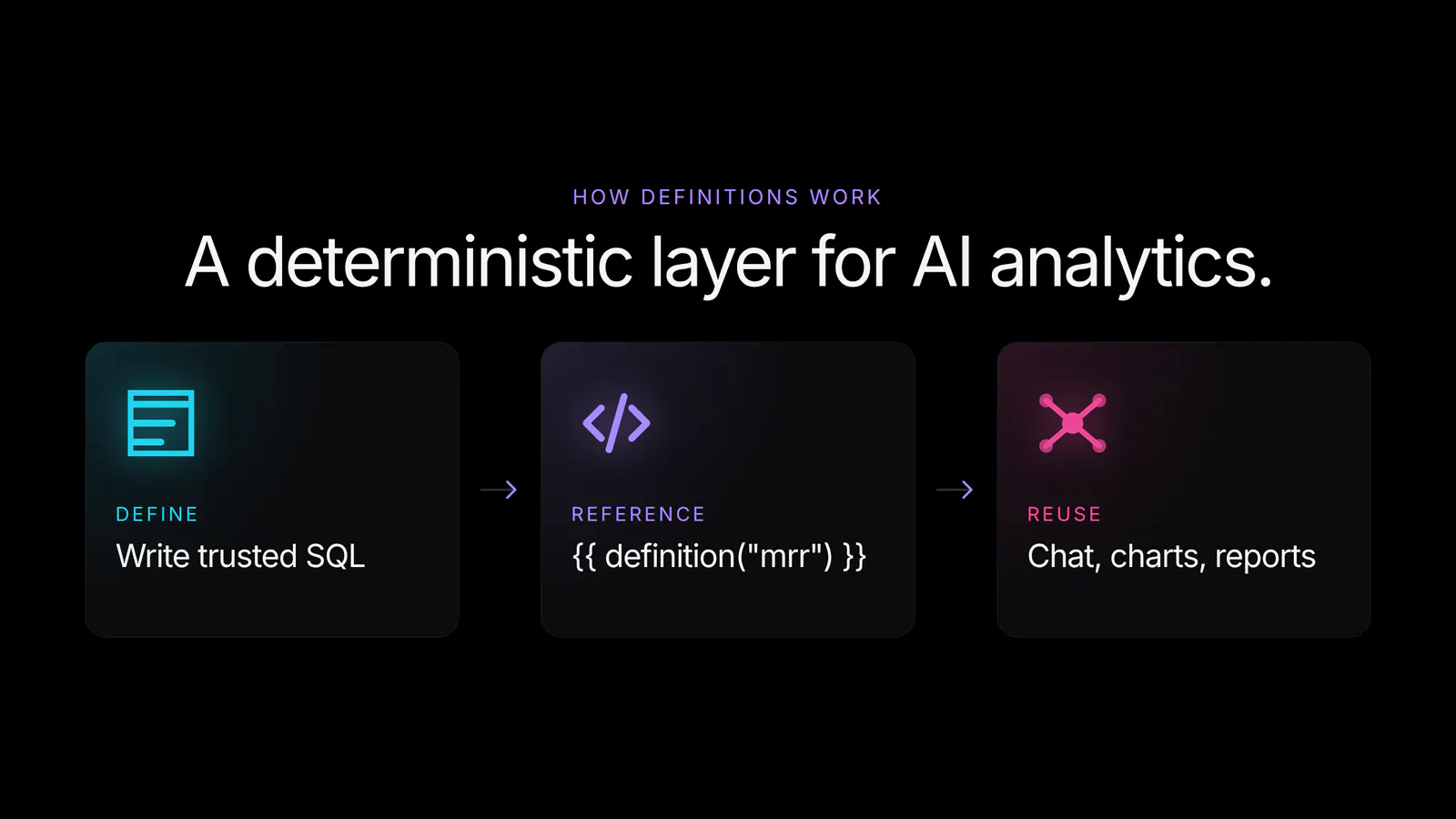
The definitions feature is also part of the AI context. When Basedash works with a data source, it sees the catalog of definitions available for that source. It can inspect a definition, reference it inside generated SQL, and use it when building charts or answering questions.
You can also ask the AI to create a definition:
Create a definition for activation rate using users who completed onboarding within 7 days.
From there, future prompts like “show activation rate by signup month” can reuse the same SQL. The AI still helps you explore, but the core calculation is now deterministic and auditable.
Start with the numbers that appear in multiple places:
If a metric appears in dashboards, board reports, automations, and chat answers, it probably deserves a definition.
The semantic layer works alongside the rest of Basedash’s AI context system.
Use definitions when the calculation itself should be exact SQL. Use skills or global AI context when the AI needs prose guidance, team preferences, business terminology, or analytical playbooks.
For example, a definition can encode how MRR is calculated. A skill can explain that finance prefers month-over-month comparisons, GAAP terminology, and conservative summary language. Together, they give the AI both the deterministic SQL and the business context around it.
The Basedash semantic layer is available today.
For more detail, see the semantic layer feature page or the definitions docs.
The Basedash semantic layer is another step toward making Basedash the full data stack for AI-native BI: storage, syncing, semantic modeling, dashboards, reporting, chat, insights, and automations in one product.
Create your first definition today and make every answer use the same source of truth.
Written by

Founder and CEO of Basedash
Max Musing is the founder and CEO of Basedash, an AI-native business intelligence platform designed to help teams explore analytics and build dashboards without writing SQL. His work focuses on applying large language models to structured data systems, improving query reliability, and building governed analytics workflows for production environments.
Basedash lets you build charts, dashboards, and reports in seconds using all your data.