

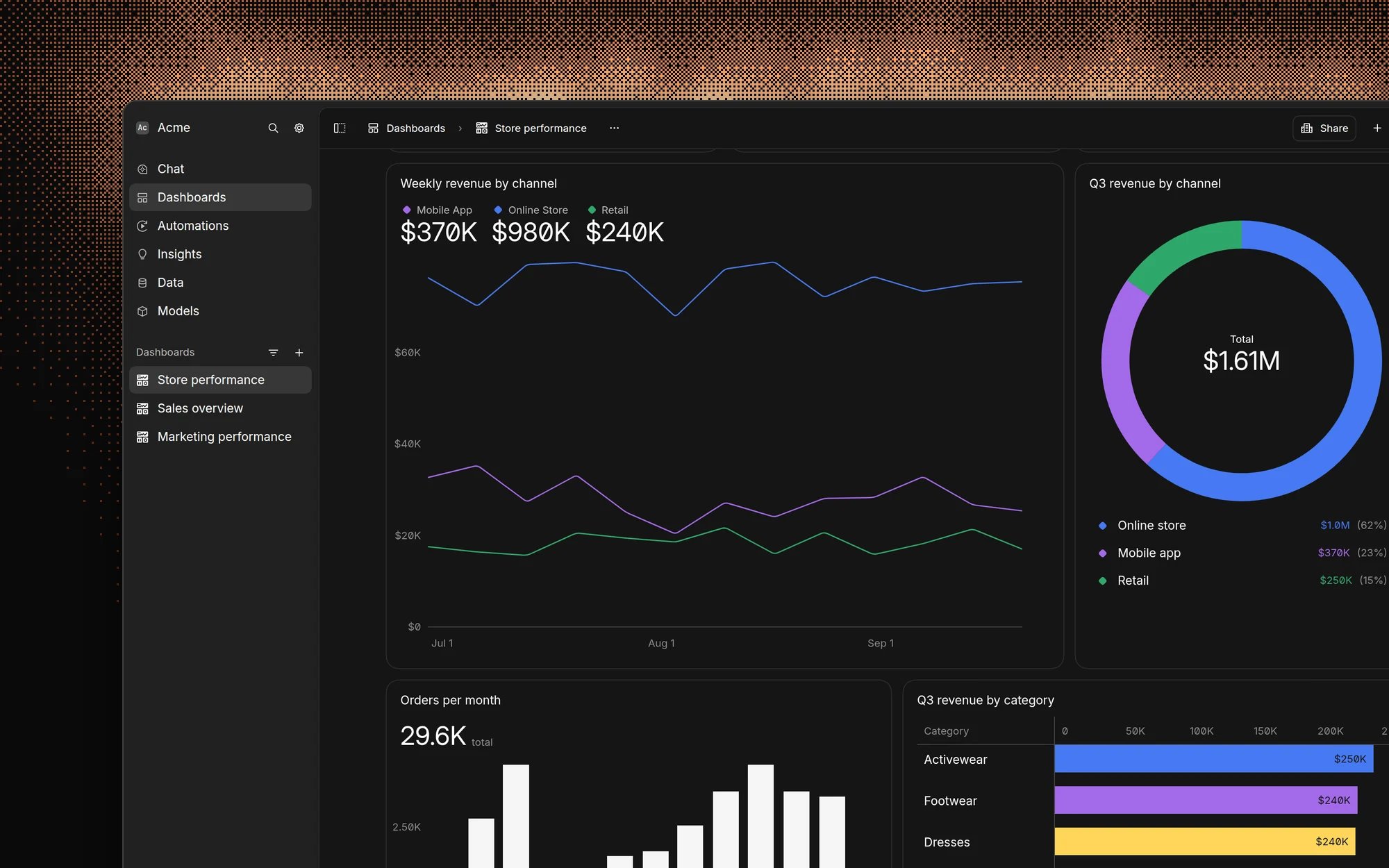
Choose a chart type
To split a line or bar chart into several series, such as revenue by region, use break down by.
Data visualization charts
Line
Trends over time
Bar
Totals per period or category
Horizontal bar
Rankings and many categories
Pie
Parts of a whole
Funnel
Conversion between steps
Scatter
Relationships between two numbers
Sankey
Flows between stages
Map
World and United States maps
Activity
Daily activity heatmaps
Data display components
Number
A single metric
Progress
Progress toward a goal
Table
Detailed rows
Detail
One record at a time
Image
Images from URLs
Text
Notes and explanations
Header
Dashboard section headings
Ask for a specific chart type
Name the chart type in your prompt to skip the AI’s choice:- “Show me monthly revenue as a line chart”
- “Create a pie chart of sales by region”
- “Display total revenue as a number”
- “Show pipeline movement as a sankey chart”